
After spending hours working at your computer, have you ever felt more than just stress? Perhaps you've experienced discomfort or even repetitive strain injuries. This type of pain often arises from repetitive movements, such as typing or sitting in the same position for extended periods.
Fortunately, there's a solution to this common issue: creating an ergonomic workspace. Whether you work from home or at your office, you can adjust your workstation to enhance comfort and productivity throughout the day.
Bentonville, AR, offers a variety of modern living options that are perfect for setting up your ideal ergonomic office. The Briq on 4th Street, located in the heart of Bentonville, presents an environment that caters to modern lifestyles and promotes a maintenance-free, healthy living experience.
Chair
Preventing back and hip strain begins with selecting the right chair. Opt for one with a hydraulic shaft or gas cylinder, which allows for adjustable height—a crucial element for achieving ergonomic seating.
Now, how should you sit to avoid discomfort from prolonged sitting? Ensure your feet rest flat on the ground, and your knees remain slightly lower or at the same level as your hips.
An office chair equipped with lumbar support can help maintain the spine's natural alignment. Additionally, consider armrests to alleviate pressure from your upper body.
Desk
When choosing a desk for your apartment, prioritize ample space for your knees, thighs, and legs. It's essential not just to find the right desk height; consider a height-adjustable desk that accommodates various user heights and encourages alternating between sitting and standing.
Such versatility not only elevates comfort but also enhances productivity across the range of modern apartments in Bentonville, AR.
Monitor
Position your monitor at an arm's length from your chair and ensure the top of the screen aligns with your eye level. This setup prevents neck strain and encourages proper posture.
If your desk isn't conducive to this arrangement, use a monitor riser to elevate your screen to the appropriate height, ensuring a pain-free, productive workday.
Keyboard and Mouse
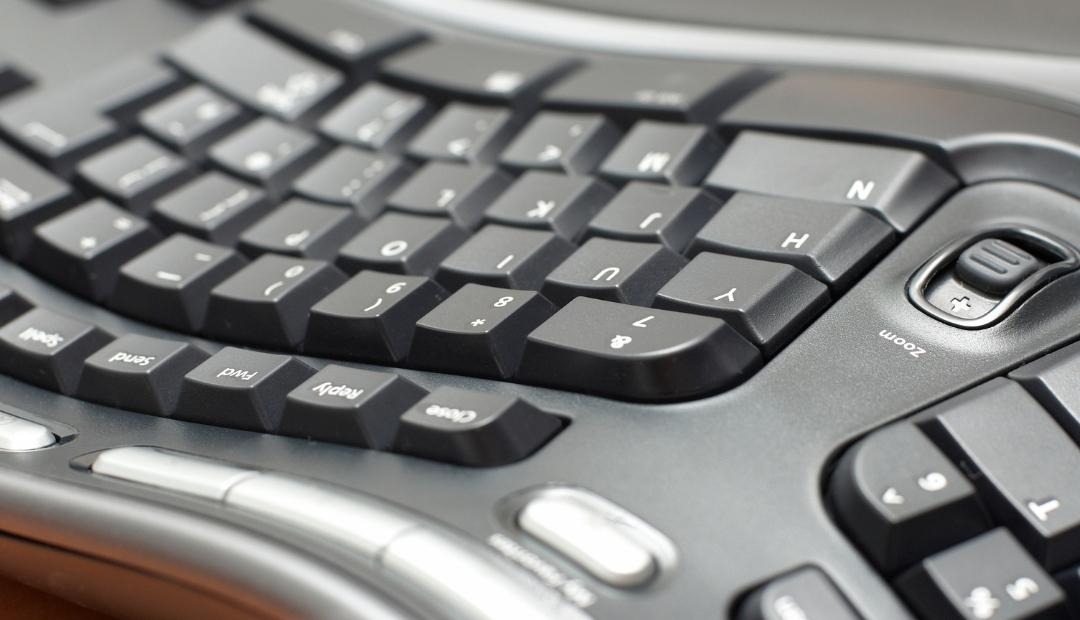
Consider how your arms rest while typing. Are your shoulders hunched? Are your elbows awkwardly angled? If so, reposition your keyboard and mouse accordingly.
Maintain a typing position with your elbows bent at a 90 to 110-degree angle, close to your sides, wrists aligned with your hands, and shoulders relaxed to prevent fatigue.
Lighting
Task lighting is a crucial yet frequently overlooked component of an ergonomic workspace. In the comfort of The Briq on 4th Street's apartments, make use of soft ambient lighting to complement your screen and minimize eye strain.
Amplify natural light by opening windows to energize your environment and integrate the outdoors into your workspace.
You
Ergonomic furniture won’t amount to much if personal comfort isn’t prioritized. Practice maintaining a natural posture, avoid slouching, and rest your arms. Adjust your chair's backrest, stand up periodically, give your eyes breaks, and stretch regularly. Personalize your home office in Bentonville, AR to enhance relaxation and stress relief. Consider indoor plants for a brighter atmosphere or aromatherapy with a desk diffuser.
An ergonomic workstation should work for you, ensuring both comfort and effectiveness in your modern apartment. Incorporate these elements into your space at The Briq on 4th Street, enhancing your well-being.
How Can The Briq on 4th Street Enhance Your Office Setup?
The Briq on 4th Street offers modern features and flexibility that make it ideal for crafting an ergonomic workspace. With spacious floor plans, dedicated dining nooks, and EnergyStar-rated appliances, you'll have both the room and the resources to create an office tailored to your needs. Experience maintenance-free living while having everything you need right at your fingertips, conveniently located near Bentonville's vibrant community.